

Adobe Photoshop Web Version (1)
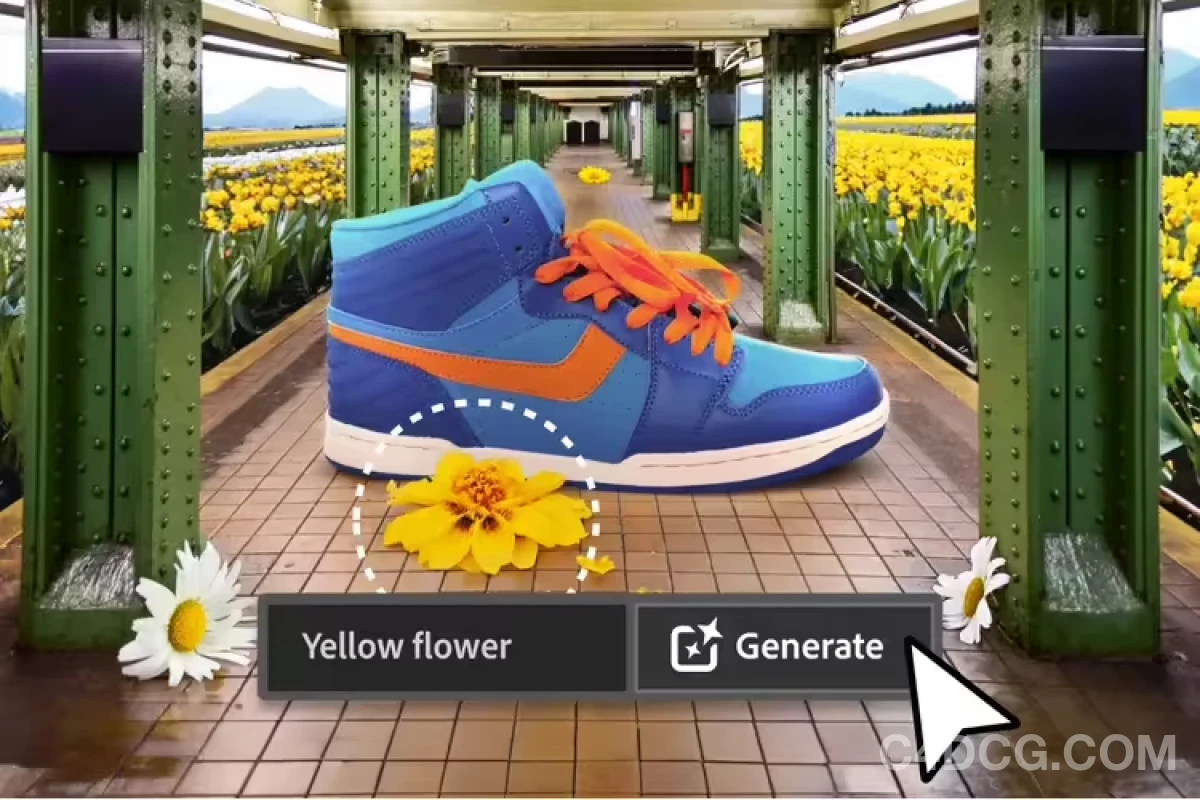
Recently! Adobe Shockingly Releases A New And Upgraded Ps Web Version! This Carefully Crafted Photoshop Web Application Will Integrate The Most Popular Tools In The Desktop Version, Supporting Artificial Intelligence (Ai) Tool Generation, Filling, And Image Extension
The Web Version Of Adobe Photoshop Is A Web-Based Online Image Editing Tool That Allows Users To Directly Enjoy The Powerful Features Of Photoshop In Their Browser, Allowing For Convenient Image Editing
The Photoshop Web Version Also Provides Many Of The Most Commonly Used Tools In The Desktop Version, But The Layout Has Been Redesigned To Provide A More “Simplified” User Experience For New Photoshop Users. This Includes The Contextual Taskbar Feature Added To The Desktop Photoshop Application Earlier This Year, Which Suggests The Most Relevant Steps To Take In Your Workflow.

Adobe Photoshop Web Version (1)
Tools That Share Similar Workflows, Such As Tools For Selecting Objects And Decorating Images, Are Named And Grouped Together On The Toolbar To Make The Software Easier To Navigate. For Experienced Creatives Who Enjoy The Appearance Of The Desktop Version Of Photoshop User Interface, This View Can Be Disabled. Adobe Stated That Desktop Features Such As Patch Tools, Pen Tools, Intelligent Object Support, And Polygonal Lasso Will Be Added “Soon”.
The Photoshop Web Version Also Allows Users To Invite Others To Collaborate On Projects And Allows Users Without Valid Photoshop Descriptions To View And Comment On Files.
Recently! Adobe Shockingly Releases A New And Upgraded Ps Web Version! This Carefully Crafted Photoshop Web Application Will Integrate The Most Popular Tools In The Desktop Version, Supporting Artificial Intelligence (Ai) Tool Generation, Filling, And Image Extension
Adobe Photoshop Web Version (1)

After Establishing The Selection Area, Type “Spaceship” In The Generative Fill Option. Then Click On The Generate Button~
The Interface Is Simple And Intuitive, Easy To Use, Supporting Multi Touch And Gesture Operations, And Can Be Used On Different Operating Systems And Devices Such As Win And Mac
https://photoshop.adobe.com/discover
It Should Be Noted That The Starting Price For The Photoshop Web Version Is $9.99 Per Month (Approximately Rmb 73), With A 7-Day Free Trial! This Price Is Relatively High, According To Our Ability
